
EN
GENMA Maintenance · Emergency & Troubleshooting | Generator Set Alarm Checks
GENMA Maintenance · Emergency & Troubleshooting | Generator Set Alarm Checks
Nov 19, 2026
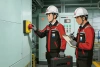
On GENMA machines equipped with a diesel generator set, the generator is an important power source. If something isn't right, the touchscreen will show an alarm. Understanding it promptly and responding correctly helps prevent a small issue from becoming a major failure.
The diesel generator status page can be accessed from the information page. The touchscreen shows the current operating status and any alarm messages. If the status page displays an alarm error, please check and address it promptly.
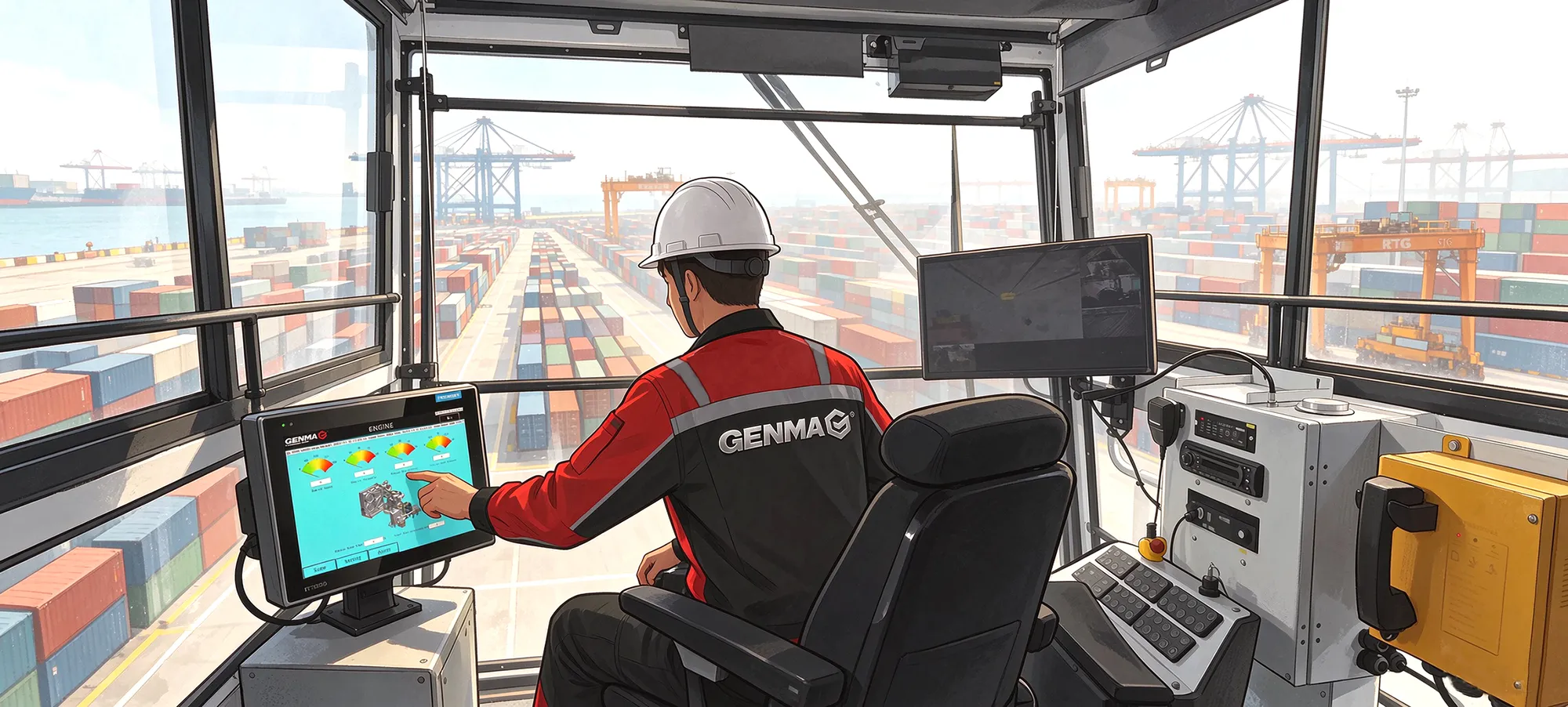
Common areas to check
1. Fluid levels and leaks
-
Check lubricating oil and coolant levels
-
Check for leaks in fuel, lubricating oil, and coolant
2. Operating parameters
-
Check oil pressure and coolant temperature
-
Check for changes in power performance
-
Listen for abnormal engine noise
-
Check for abnormal exhaust smoke color
3. Intake and fuel system
-
Every 50 hours: check the air intake restriction indicator, or replace the air filter element
-
Every 50 hours: drain water and sediment from the fuel tank
-
Every 50 hours: drain water and sediment from the fuel filter
4. Belts and fan
-
Check belts for looseness and wear
-
Check the fan for damage
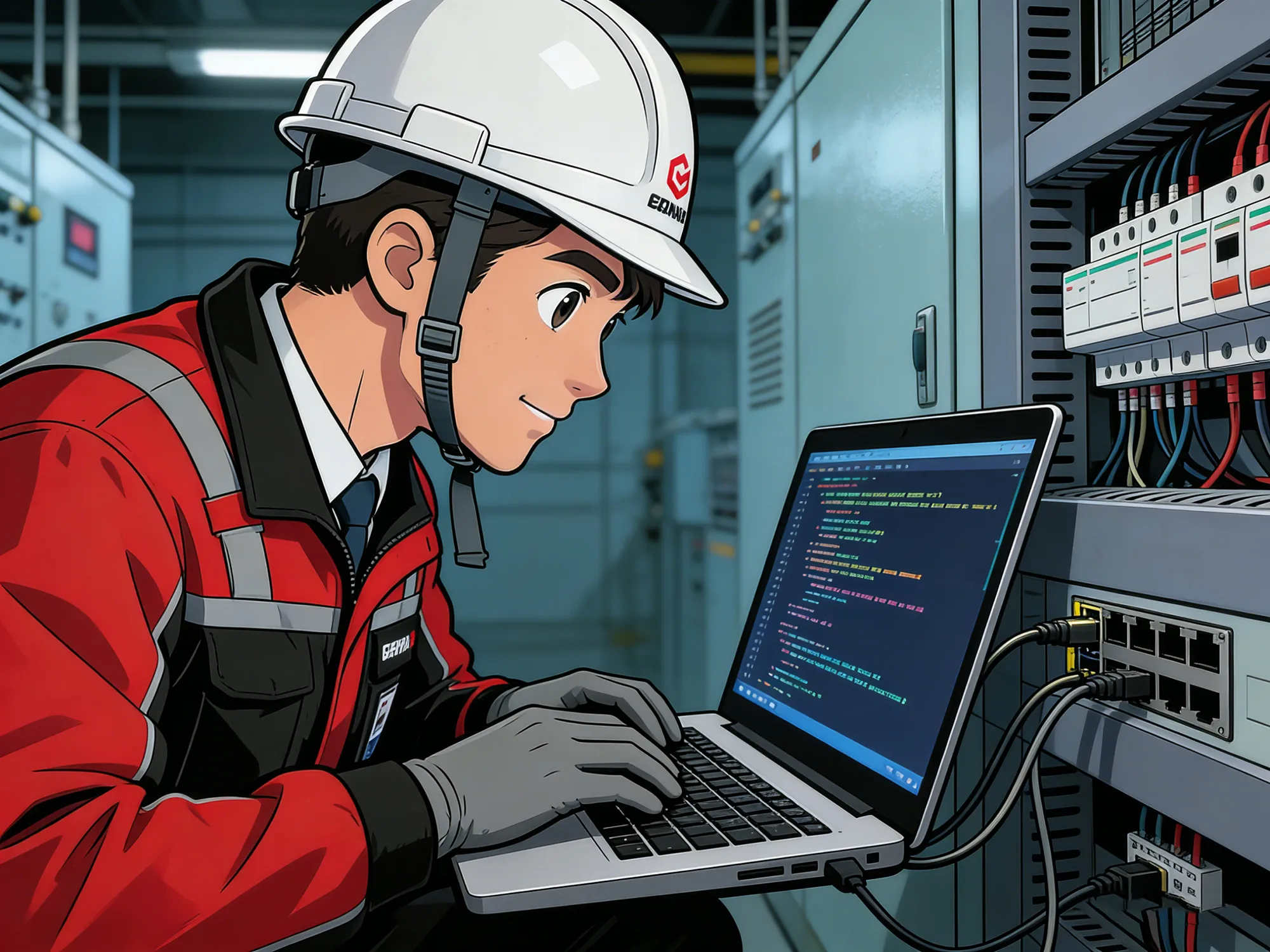
If the cause of an alarm isn't clear, or it persists after handling, feel free to contact your GENMA service engineer — we can help you investigate further. Replacing oil and filters on schedule and keeping the fuel system clean can prevent many alarms before they occur.
Recent Posts

October 26, 2016
The Most Successful Engineering Contractor
Nov 13, 2026
GENMA Ships Another Three Grab Ship Unloaders

Contact Us
Product Information
Quantity
Unit
Piece
Support order samples, customization, wholesale direct, and complete payment. If the product you look for does not have corresponding customized content, pls fill out the form below to contact us, and we will reply ASAP.